
- I
- In the Admin panel, go to the Products – All Products section
- Add / Select Product
- After filling in all the fields, at the bottom of the card in the Parameters block, edit the Cost price
- Click Add
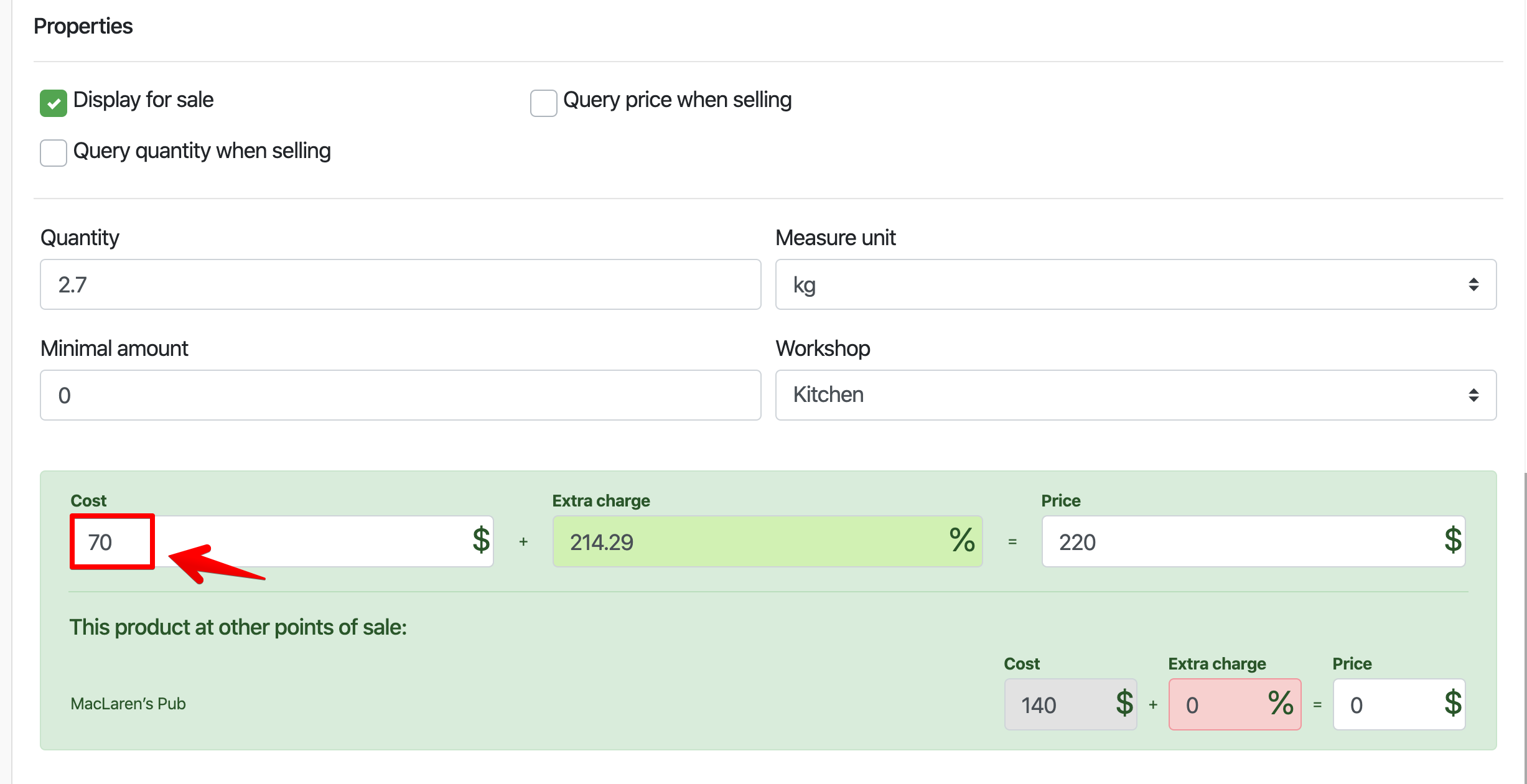
If you have goods at different costs, you can choose one of the methods of warehouse accounting (at the latest cost or average cost)
- In the Admin panel, go to the Settings – Sales Points section , and select a point

- In the window that opens, edit the method of warehouse accounting – select the method that suits you
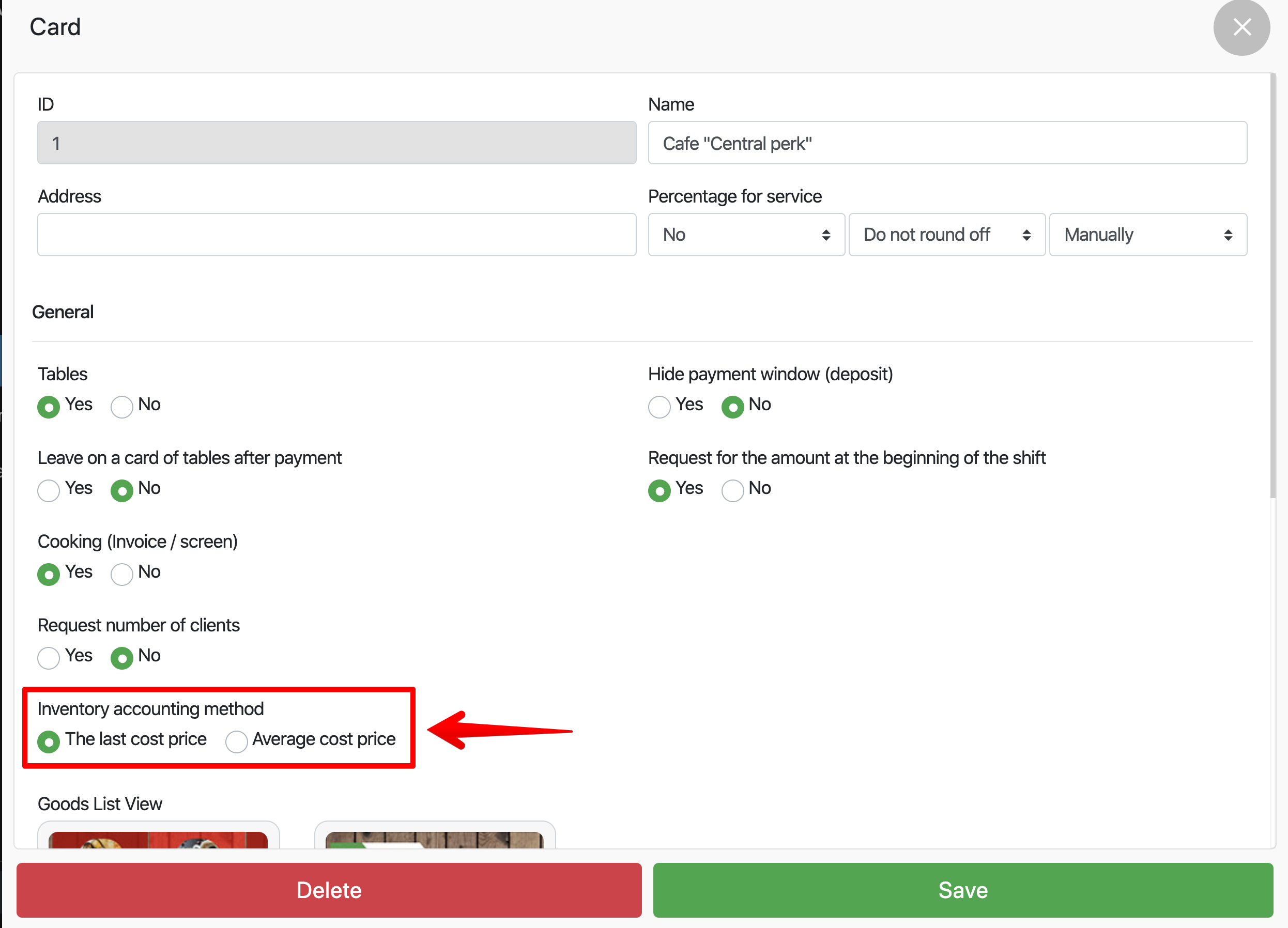
- Click Save