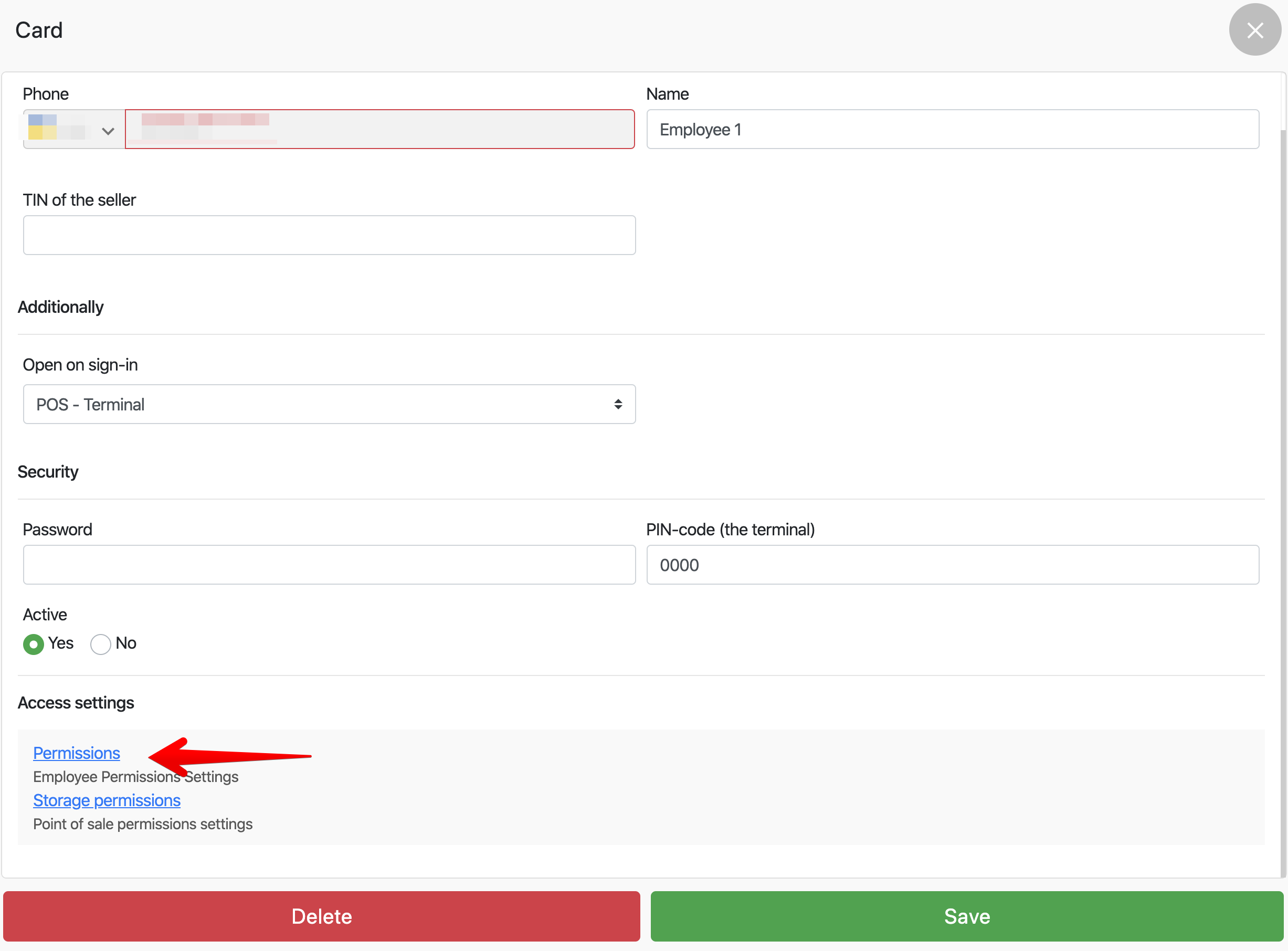
How to disable print preliminary check Hide the print button of the bill on the terminal so that the waiters cannot print the preliminary check In the admin panel, go to Settings – employees , select an employee In the pop-up window, click Permissions In the Permissions window , uncheck Print of a forecourt Click Save Read more: Related lessons How to disable print preliminary check How to reprint a closed receipt How to sort goods on the terminal How to close a check without payment How to add a comment to the slider Popular Lessons Configuring Xprinter Wi-Fi Printer How to make X- and Z-reports Setting up a Wi-Fi printer Pos Sector How to set up a receipt printer on Windows FAQ | Questions and answers