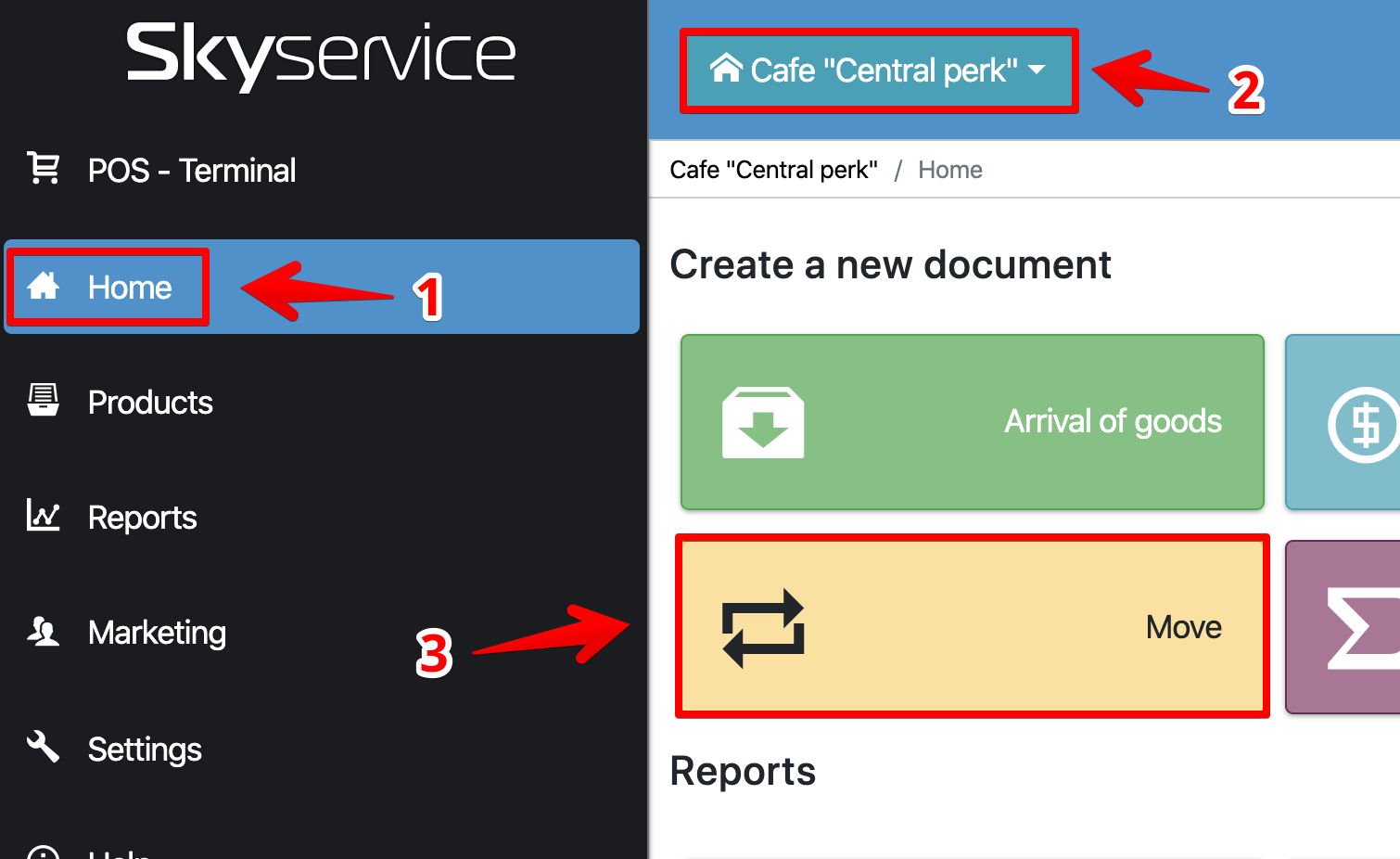
How to move between warehouses If you have several outlets, warehouses – move goods, ingredients between them In the Admin panel, go to the Initial section , select the desired outlet (if you have several), and click Move Choose a warehouse / outlet to which the movement will take place Enter product name and quantity Click Add Read more: Related lessons Editing an waybill Packing of goods Warehouse accounting method (how the cost is calculated) How to move between warehouses Where to look at the remaining stock Popular Lessons Configuring Xprinter Wi-Fi Printer How to make X- and Z-reports Setting up a Wi-Fi printer Pos Sector How to set up a receipt printer on Windows FAQ | Questions and answers