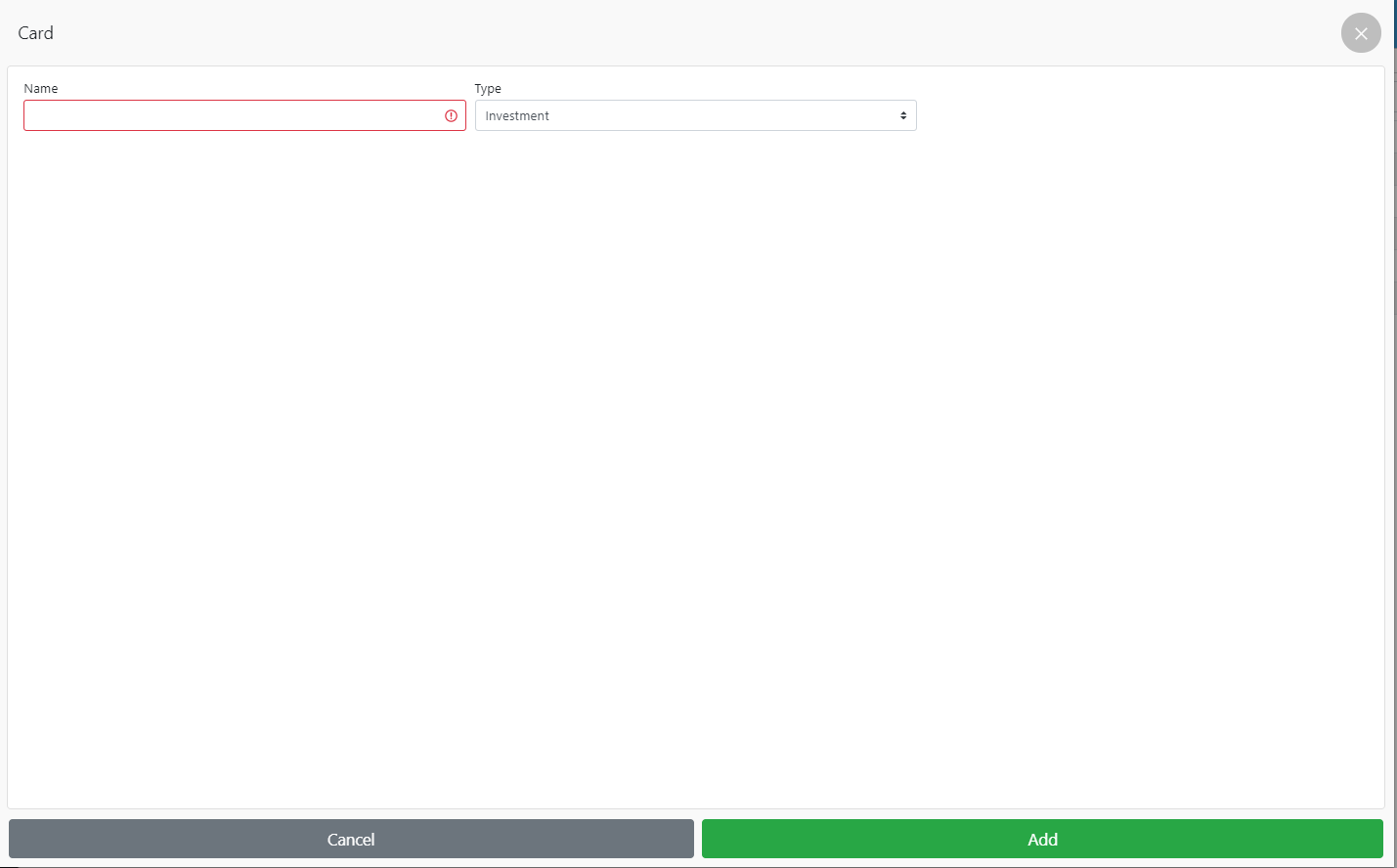
How to create an expense category In the Admin Panel, go to Settings – Categories expenses, click Add Enter NameSelect the type of expense:Investment;Regular payments;One-time.Click Add ☝🏼 Expense – salary, receipt of goods, rent Read more: Related lessons How to change language and currency in SkyService Time setting Multiterminal Credit period How to create an account Popular Lessons Configuring Xprinter Wi-Fi Printer How to make X- and Z-reports Setting up a Wi-Fi printer Pos Sector How to set up a receipt printer on Windows FAQ | Questions and answers