
Add a percentage for servicing a table or a banquet, in manual or automatic mode
In the Admin panel, go to the Settings – Sales outlets section , select the desired point (if there are several)

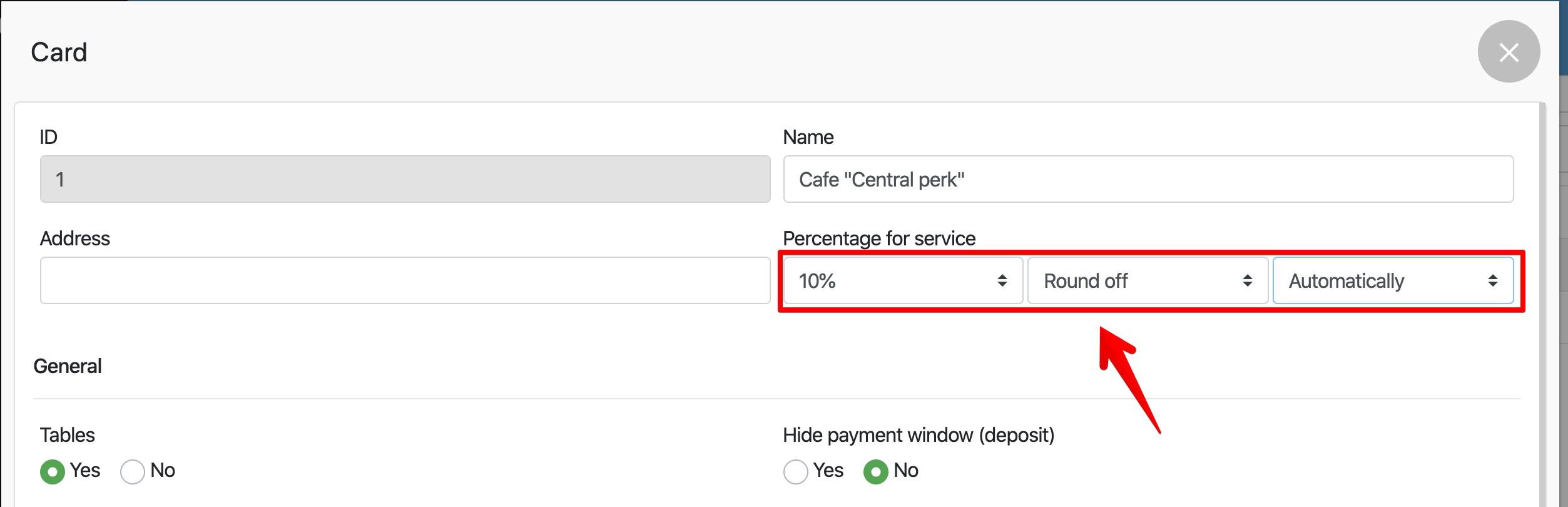
In the pop-up window, select:
- Service Interest
- Choose Round / Do Not Round
- Select the function mode Manual / Automatic
Click Save
- 2
In the Pos terminal
- Choose “% Service”

- You will see the “Service” field in the order
