- I
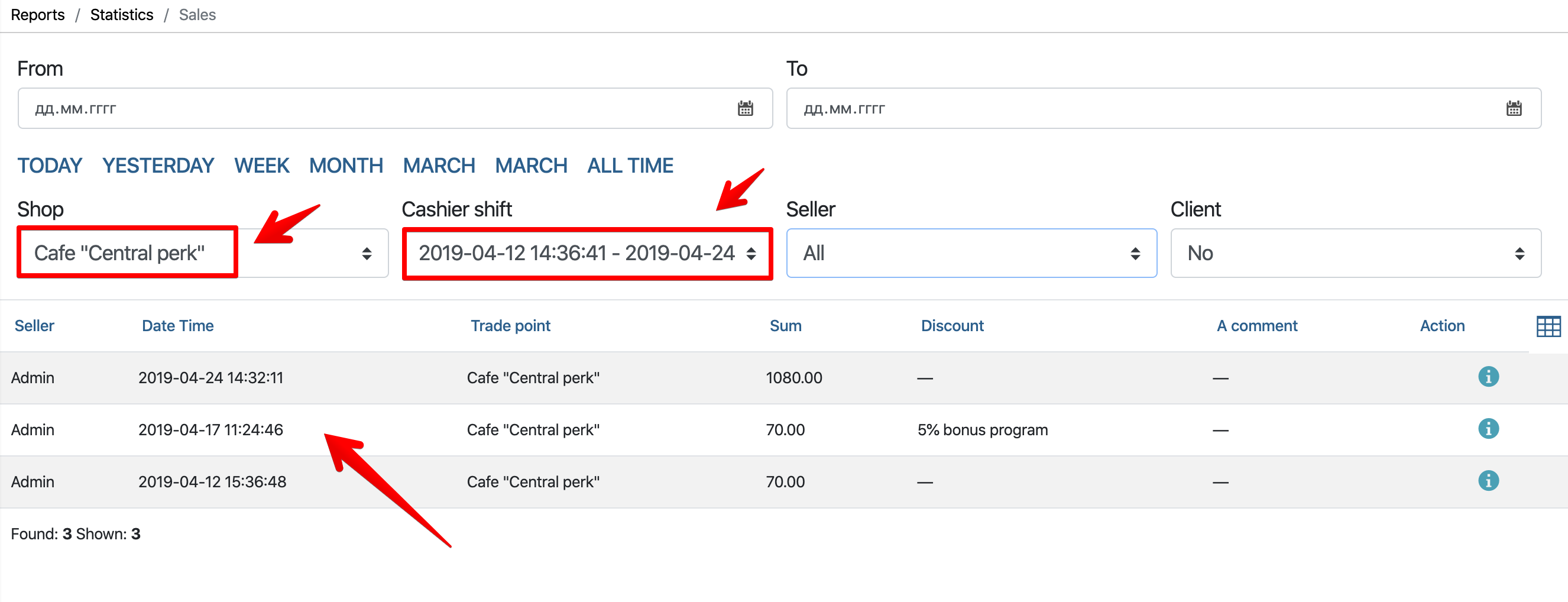
- Go to the admin panel: “ Statistics ” – “ Products flow ” – “ Sales ”

- Choose “ Implementation Point “, “ Cashier shift “, find the check we need and click on it
- We go into the check and click “ Cancel operation “ at the bottom left

- II
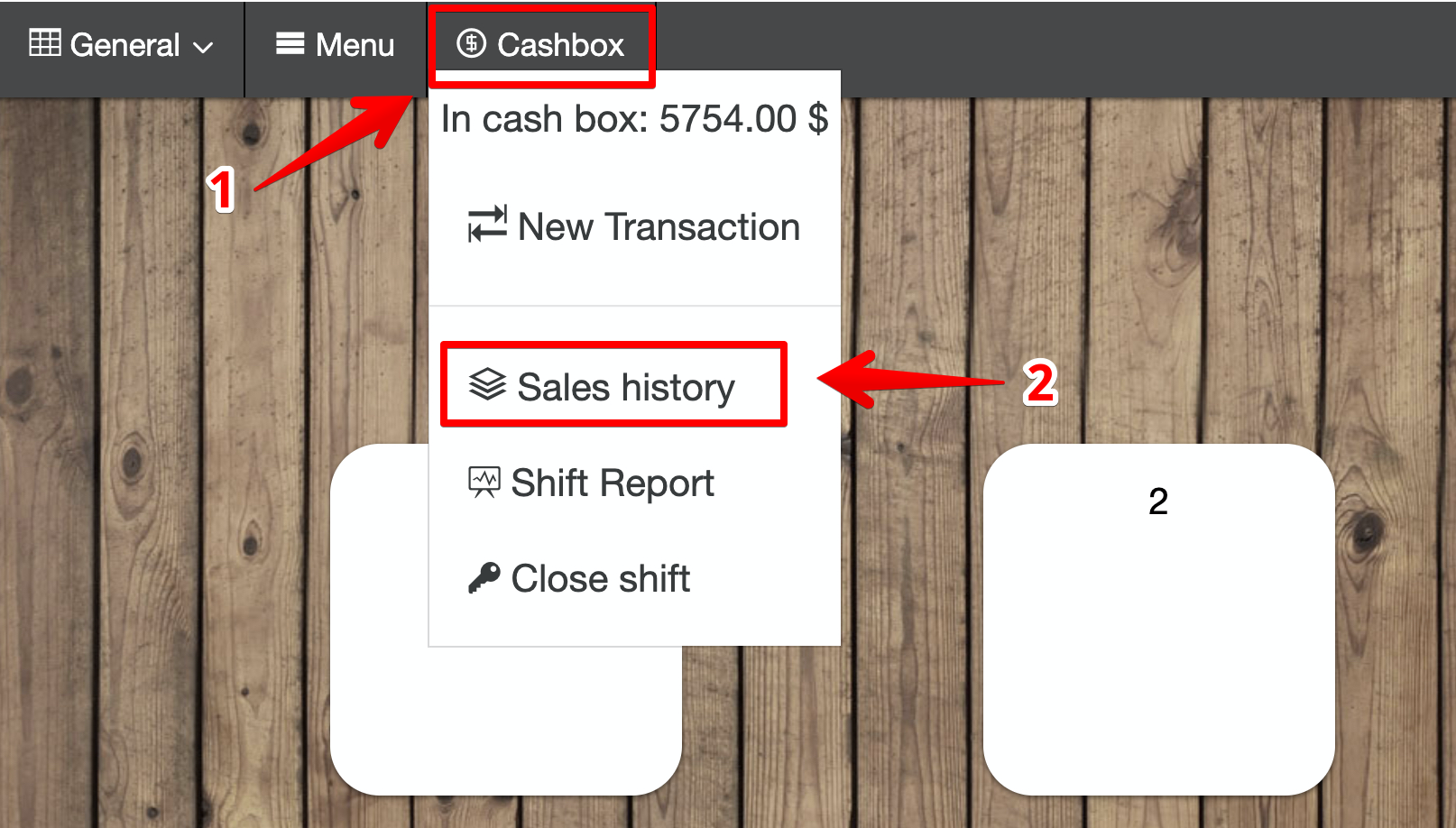
- We go to the POS Terminal: “ Cashier ” – “ Sales History “
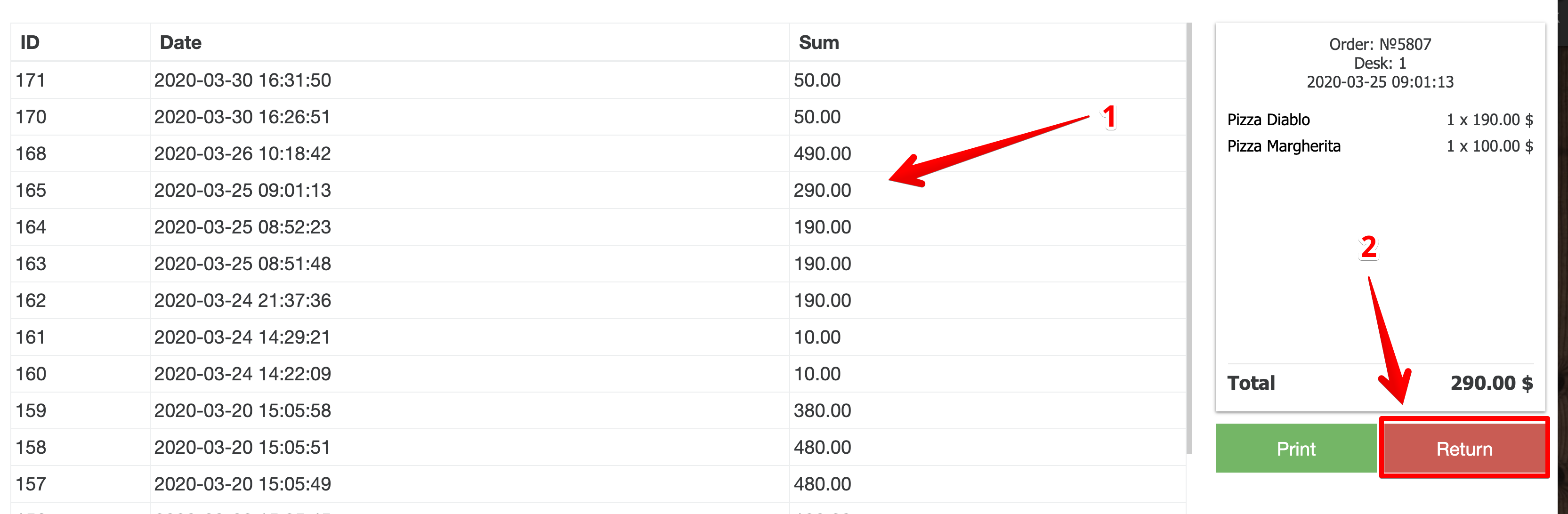
- Select the check we need and click on “ Return ”.