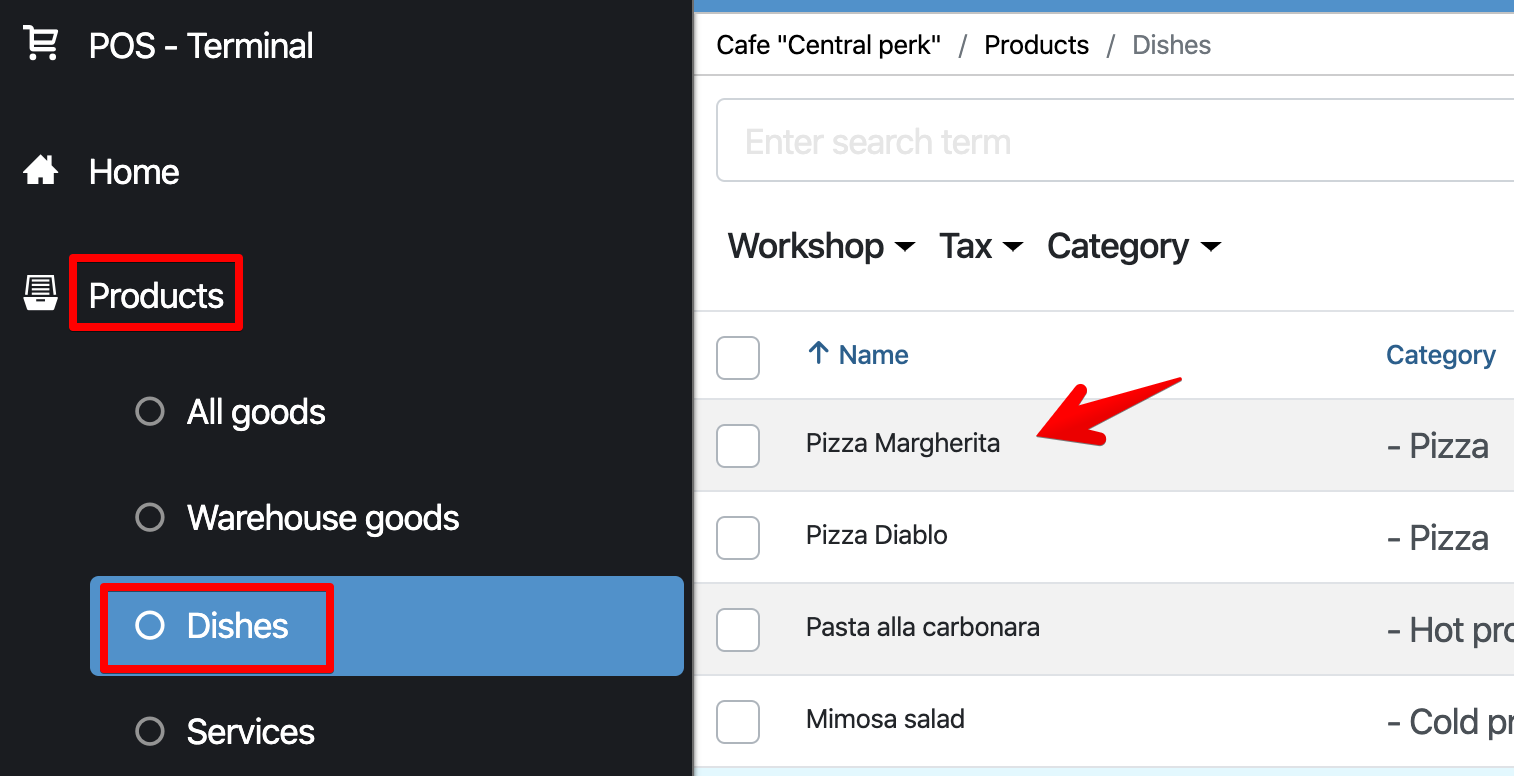
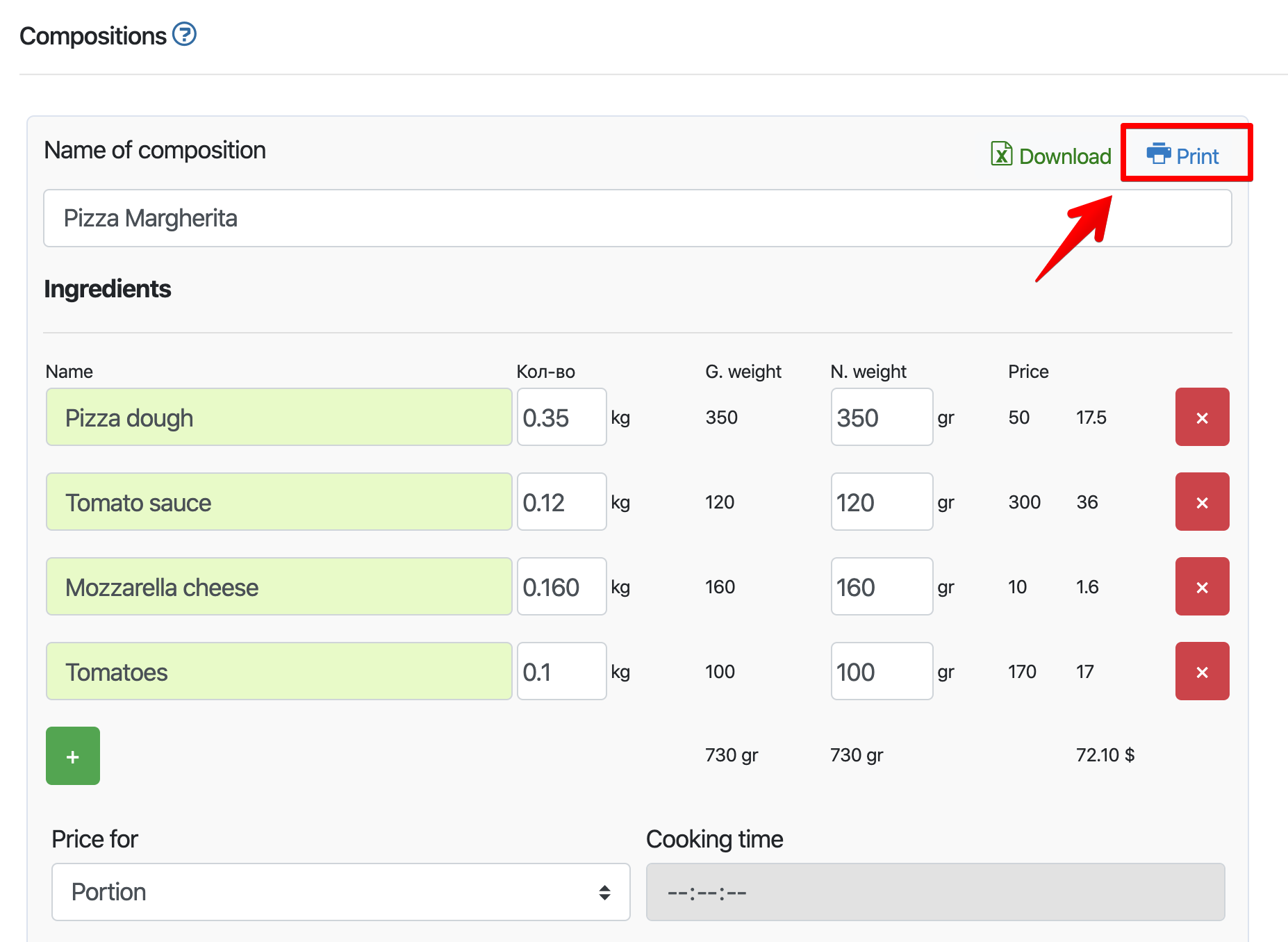
How to print a technological map I In the Admin panel, go to the “Products” – “Technological maps” section – select the technical map and click on it. Click on the top right “Print“ In the print window that appears: Choose the options you want to print your document Click Save/Print Read more: Related lessons Manufacturing in various fields Detailed examples of workflows for different types of activities Copying, deleting, and other actions with goods Unload a dish in excel How to add a barcode Popular Lessons Configuring Xprinter Wi-Fi Printer How to make X- and Z-reports Setting up a Wi-Fi printer Pos Sector How to set up a receipt printer on Windows FAQ | Questions and answers